Create Photo QR Codes That
Actually Look Good
Turn faces, landscapes, and brand images into artistic QR codes. Free, no login required.
All processing happens in your browser.
Configure your QR
0/271 characters
or drag & drop your image here
JPG, PNG, WebP • Max 5MB
Live preview
Pro tips for best results
- •Strength 50-70% balances art and scannability
- •High-contrast photos work best
- •Test before printing with your phone camera
What You Can Create
Transform boring QR codes into branded, artistic designs
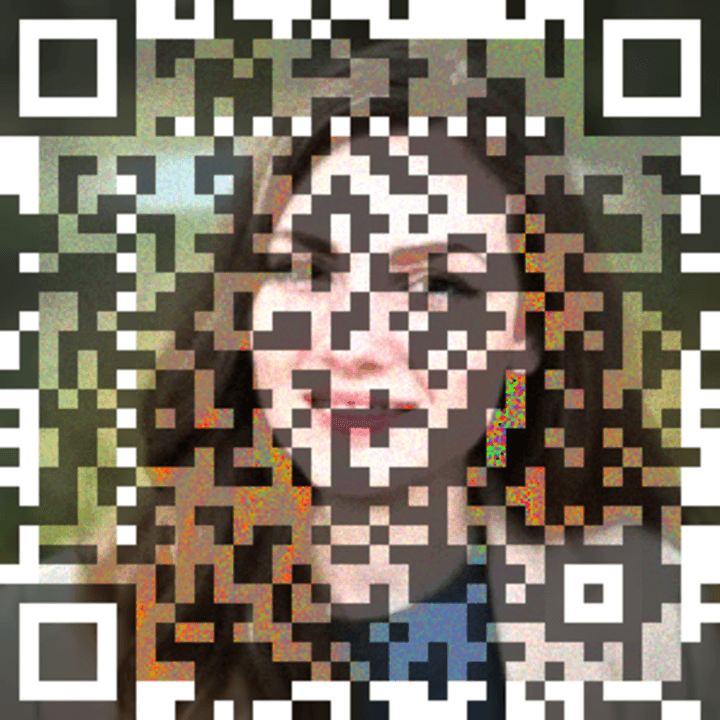
Portrait QR
Personal branding, social profiles, digital business cards
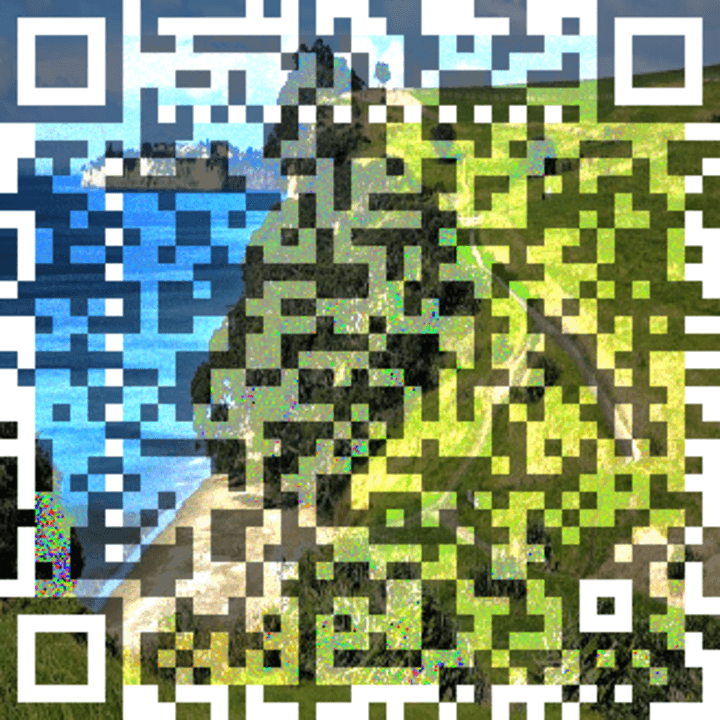
Landscape QR
Scenic photos, travel destinations, nature photography
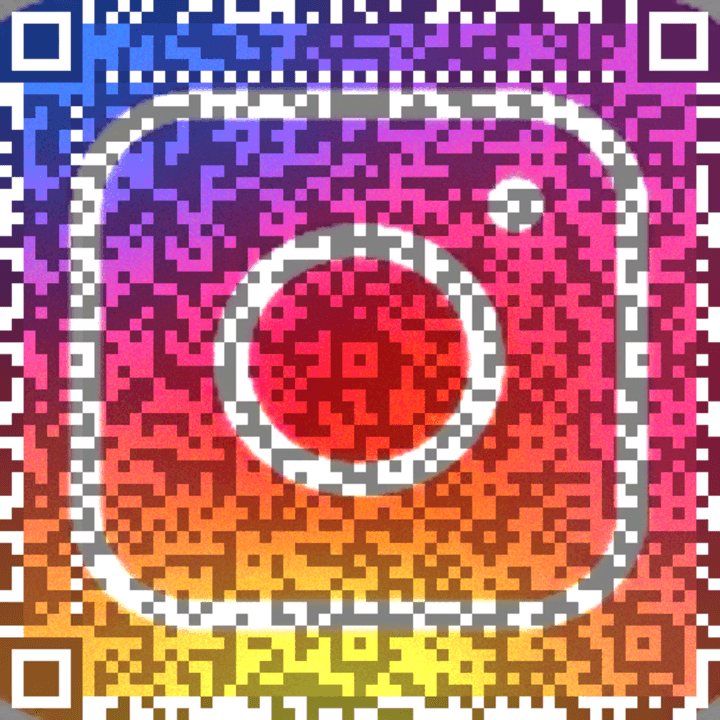
Brand QR
Marketing materials, posters, event signage, flyers
How to make an image QR code
- Enter the link or text you want the code to read.
- Upload a portrait, landscape, or brand photo and adjust the blend.
- Download the PNG and scan it before sharing or printing.
Explore photo QR ideas and guides
QR code PNG print size calculator
Convert your QR PNG width and print DPI into inches and centimeters. Plan the layout, keep the border, and test a printed proof.
Create a QR code with your own image
Blend your photo into a QR code for a link or text. Adjust color, strength and detail, then download a PNG for free without signing up.
Turn a portrait into QR code art
Create a photo QR code with a portrait or face for a profile, portfolio, or business card. Free browser-based generator with PNG downloads.
Make a landscape photo QR code
Blend scenery and nature photos into artistic QR codes for travel pages, photography portfolios, and event links. Free PNG export.
A photo QR code for your business card
Make a branded photo QR code for your portfolio or business website. Learn how to choose imagery, preserve the border, and test printed cards.
Practical guides for artistic QR codes
Practical guides for making image QR codes, testing artistic designs, and choosing between photo blending and AI QR artwork.
How to make a photo QR code
Create a QR code from a link and photo, tune strength and color, and test the PNG before using it on a card, poster, or social profile.
Why an artistic QR code may not scan
Troubleshoot image QR codes with contrast, blend strength, quiet borders, image detail, and realistic phone and print checks.
AI QR code art vs photo QR codes
Compare prompt-generated QR artwork with blending an existing photo into a QR pattern. Learn which workflow boring qrs uses.
Image QR code questions
What is an image QR code?
An image QR code blends a photo into the QR pattern while encoding a link or text. The photo is part of the design; scanning reads the encoded data, rather than downloading the original image.
Can I make a QR code with a face or landscape?
Yes. Upload a portrait, landscape, or brand image, enter your link or text, and adjust strength, color mode, and detail. Choose a high-contrast photo and test the exported PNG.
Is boring qrs free, and do I need an account?
The generator is free and works without login or signup. You can generate and download a PNG directly from the homepage.
Are my uploaded images sent to a server?
QR generation and processing of uploaded photos happen in your browser. The optional random-photo button requests an image from an external provider.
Will every artistic QR code scan?
Scanning depends on the photo, contrast, blend strength, size, lighting, and camera. Start around 50–70% strength, then test with multiple phones before sharing or printing.
Do these QR codes expire?
The QR pattern directly encodes your data and has no service-controlled expiry. A linked website can still move, expire, or become unavailable. You cannot change the encoded destination after exporting the PNG.